Joining & Selecting Groups
Joining as a Voter
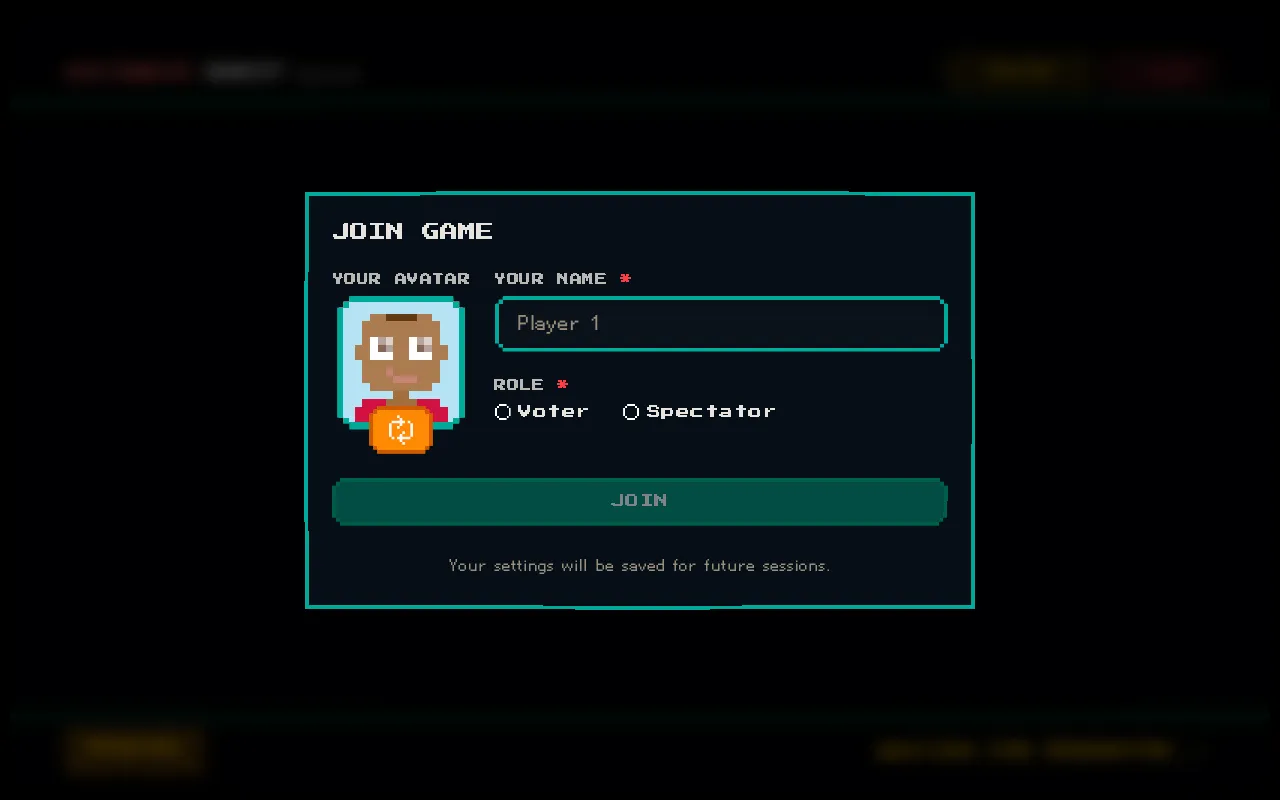
Section titled “Joining as a Voter”When joining a session, select the Voter role in the join modal. This enables you to cast estimation votes on tickets assigned to your group.
Selecting Your Group
Section titled “Selecting Your Group”After choosing the Voter role, you must select your team group:
| Group | Description |
|---|---|
| Frontend | UI/UX, client-side code |
| Backend | API, server, infrastructure |
| Mobile | iOS, Android, React Native |
| QA | Testing, quality assurance |
Your group determines which tickets you can vote on. You’ll only see voting cards for tickets that include your group in their assignment.
What if My Ticket Isn’t for My Group?
Section titled “What if My Ticket Isn’t for My Group?”When the current ticket isn’t assigned to your group, you’ll see a “not your turn” state instead of voting cards. You can still observe the voting progress and results — you just can’t cast a vote on that particular ticket.
This keeps estimation focused on the team members who will actually do the work.
See Group Voting for more about how group-based estimation works and why it matters for cross-functional teams.