Casting Votes
Selecting a Card
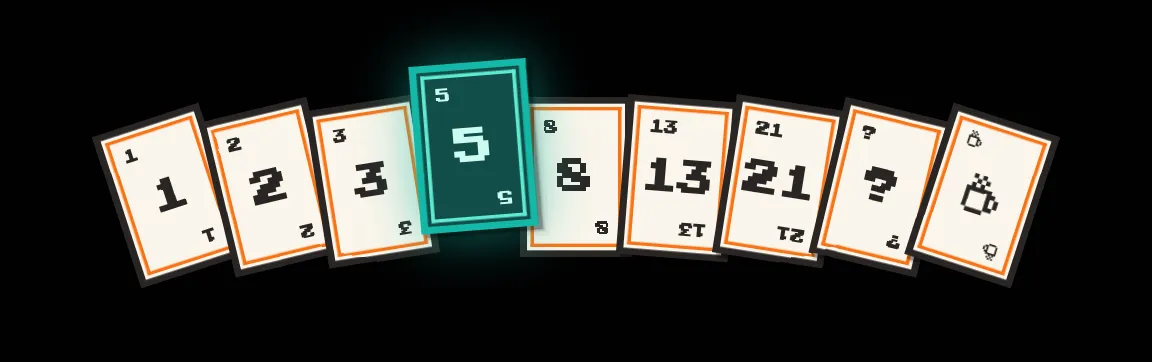
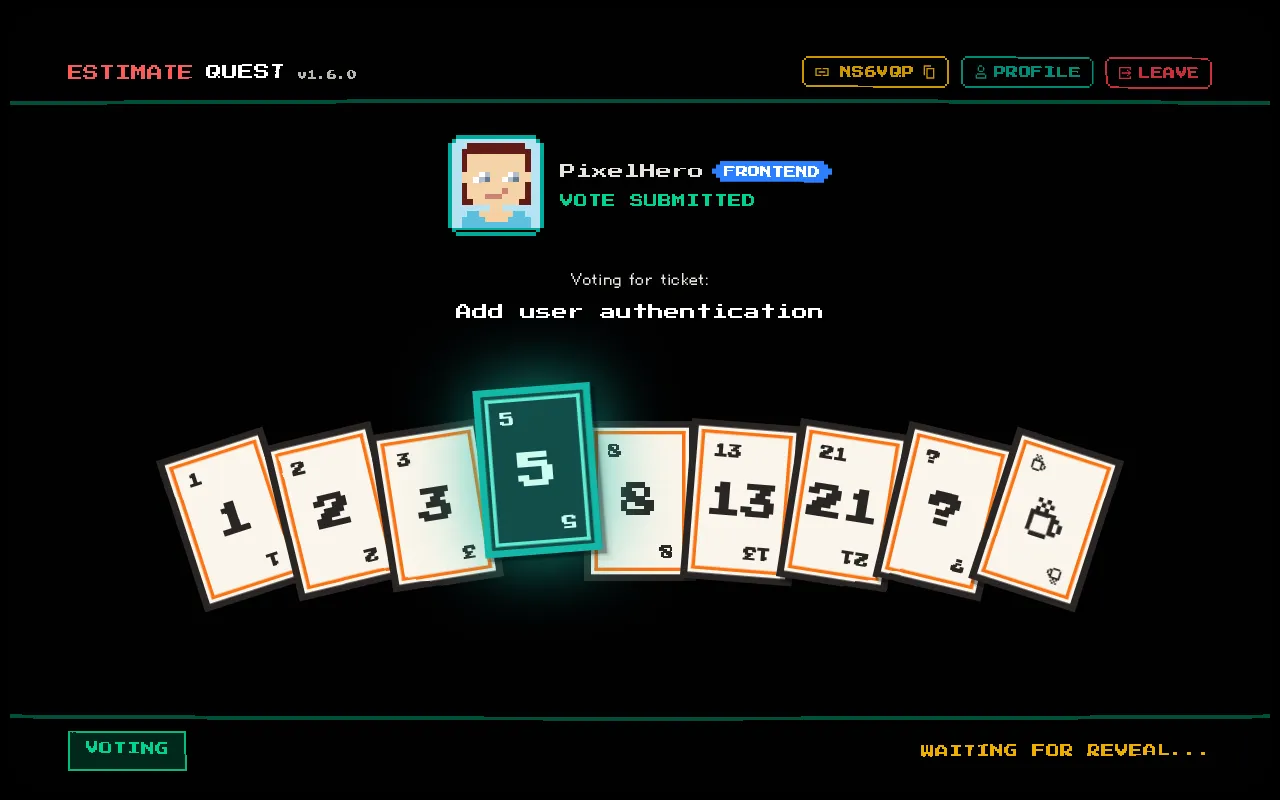
Section titled “Selecting a Card”When the moderator starts voting on a ticket assigned to your group, you’ll see your estimation deck appear. The available cards depend on the session’s deck type:
- Fibonacci: 1, 2, 3, 5, 8, 13, 21, ? ,
- Linear: 1, 2, 3, 4, 5, 6, 7, 8, 9, 10, ?
- T-Shirt: XS, S, M, L, XL, XXL, ?
Click a card to select your estimate. A card selection sound effect plays and your card is highlighted.
Changing Your Vote
Section titled “Changing Your Vote”You can change your vote at any time before the moderator reveals. Simply click a different card to change your selection.
To deselect your current vote entirely, click the same card again. This removes your vote — useful if you realize you need more time to think.
Special Cards
Section titled “Special Cards”| Card | Meaning |
|---|---|
| ? | ”I don’t have enough information to estimate" |
| "I need a break” (Fibonacci deck only) |
Using the ? card signals to the moderator that more discussion or clarification is needed before you can estimate confidently.
See Deck Types for detailed card descriptions across all estimation scales.
Vote Privacy
Section titled “Vote Privacy”Your vote is hidden from other players until the moderator reveals. Other players can see that you’ve voted (via a visual indicator on your avatar) but not what you voted.
This prevents anchoring bias — you estimate based on your own judgment, not influenced by what others selected.