Creating a Session
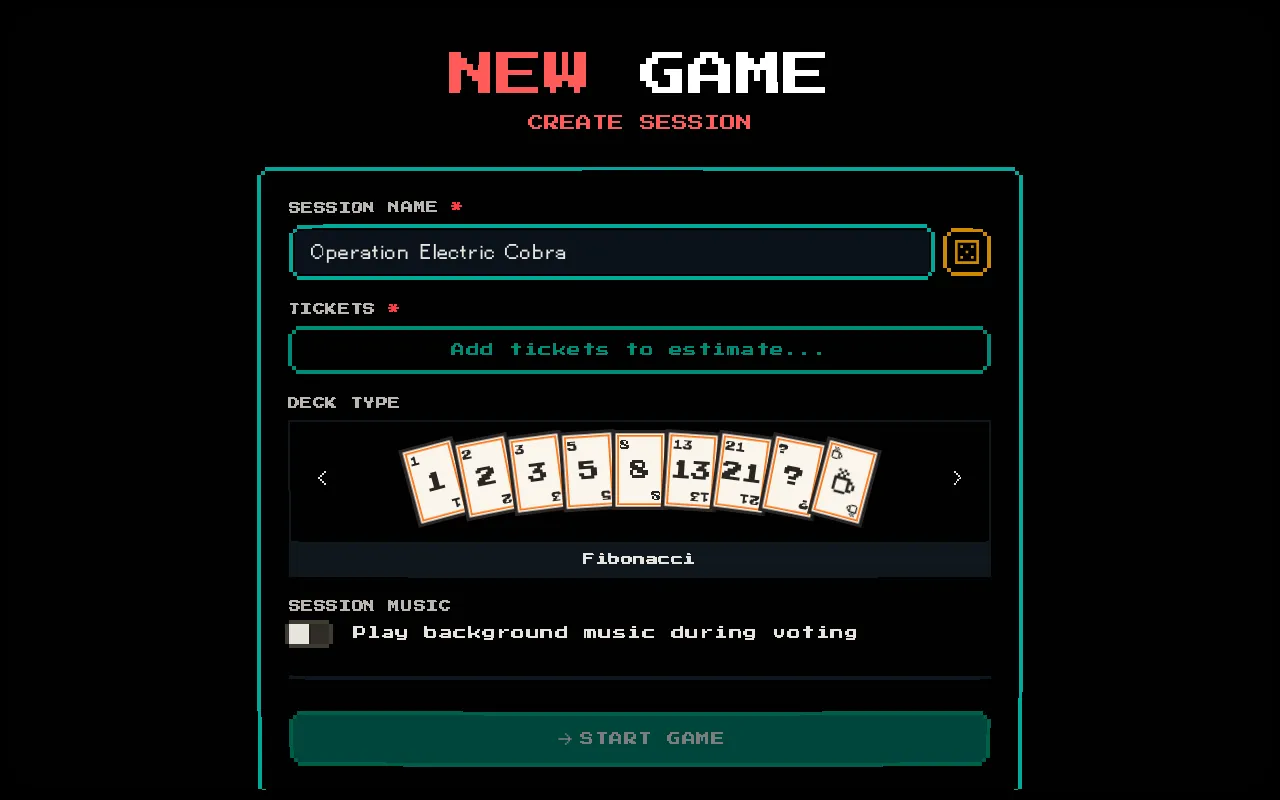
Any team member can create a session and become its moderator. The create form collects everything needed to start a planning poker session.
Session Creation Form
Section titled “Session Creation Form”Navigate to the home page and click START GAME, or go directly to /session/create.
Required Fields
Section titled “Required Fields”| Field | Description | Limit |
|---|---|---|
| Session Name | A name for the session (e.g., “Sprint 24 Planning”) | 100 characters |
| Tickets | At least one ticket with a title and assigned group(s) | Up to 100 tickets |
| Deck Type | The estimation scale to use | Fibonacci, Linear, or T-Shirt |
Optional Controls
Section titled “Optional Controls”| Control | Description | Default |
|---|---|---|
| Session Music | Toggle 8-bit background music on/off | On |
| Random Name | Click the dice icon next to Session Name to generate a random sprint name | — |
Setting Up Tickets
Section titled “Setting Up Tickets”Click the Tickets field to open the ticket management modal. For each ticket, provide:
- Title (required) — the work item name, e.g., “Add login page”
- Description (optional) — additional context, up to 500 characters
- URL (optional) — link to the ticket in your project tracker, up to 500 characters
- Groups (required) — which teams should vote: Frontend, Backend, Mobile, QA
You can add, reorder, and delete tickets. At least one ticket with a title and at least one assigned group is required to start the session.
Choosing a Deck Type
Section titled “Choosing a Deck Type”The deck type determines which estimation cards voters see. A live preview of the deck is shown as you select:
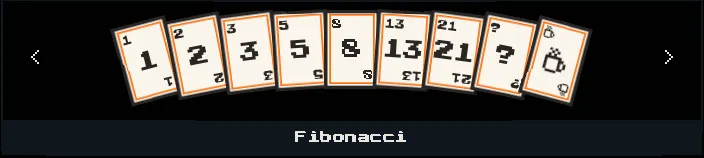
- Fibonacci —
1, 2, 3, 5, 8, 13, 21,? + — best for most teams - Linear —
1, 2, 3, 4, 5, 6, 7, 8, 9, 10,? — simpler scale - T-Shirt —
XS, S, M, L, XL, XXL,? — relative sizing without numbers
The deck type cannot be changed after session creation.
Starting the Session
Section titled “Starting the Session”Click START GAME to create the session. You’ll be redirected to the session page with a unique 6-digit code.
A join modal will appear where you enter your moderator name and choose your avatar. This is the same flow that voters and spectators use when joining.
Once you’ve joined, share the 6-digit code with your team so they can join too.