Managing Players
The moderator can view and manage all players in the session.
Player Arena
Section titled “Player Arena”The Player Arena is the central area of the session screen showing all connected players.
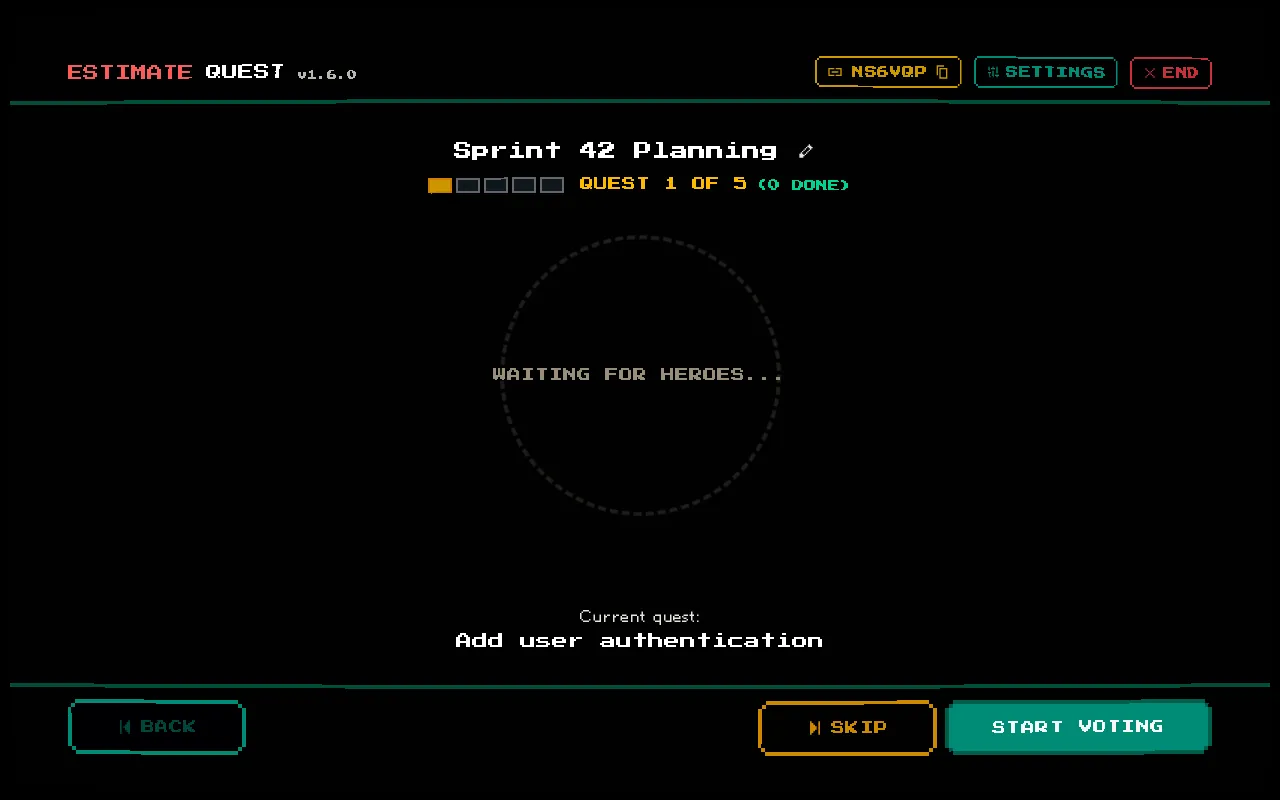

Each player displays:
- Avatar — their DiceBear pixel art avatar
- Name — their display name
- Group badge — colored badge showing their team (for voters)
- Vote status — whether they’ve voted in the current round (visual indicator)
- Role indicator — moderator crown, voter cards, or spectator eye
Kicking Players
Section titled “Kicking Players”On desktop, hover over a player’s avatar in the arena to reveal the kick option. Clicking it removes the player from the session immediately.
Use this for:
- Removing duplicate/abandoned connections
- Players who joined the wrong session
- Disruptive participants
Player Limits
Section titled “Player Limits”A session supports up to 50 players (including the moderator). If the limit is reached, new players will be unable to join until someone leaves or is kicked.
Player Connectivity
Section titled “Player Connectivity”Players have a heartbeat mechanism that tracks their connection status. If a player’s browser is closed or they lose connectivity, their heartbeat stops updating. After 6 hours of inactivity, the system considers them stale.
The system is designed to be resilient — players can reconnect by returning to the session URL without needing to rejoin.